Made for the way you print
Ten ways to print, one product. Pick your print method and see what Endorr does for your files.
Pick what you print. Endorr changes what it checks.
The For setting in the Endorr editor, the same one you see after upload.
What do you print?
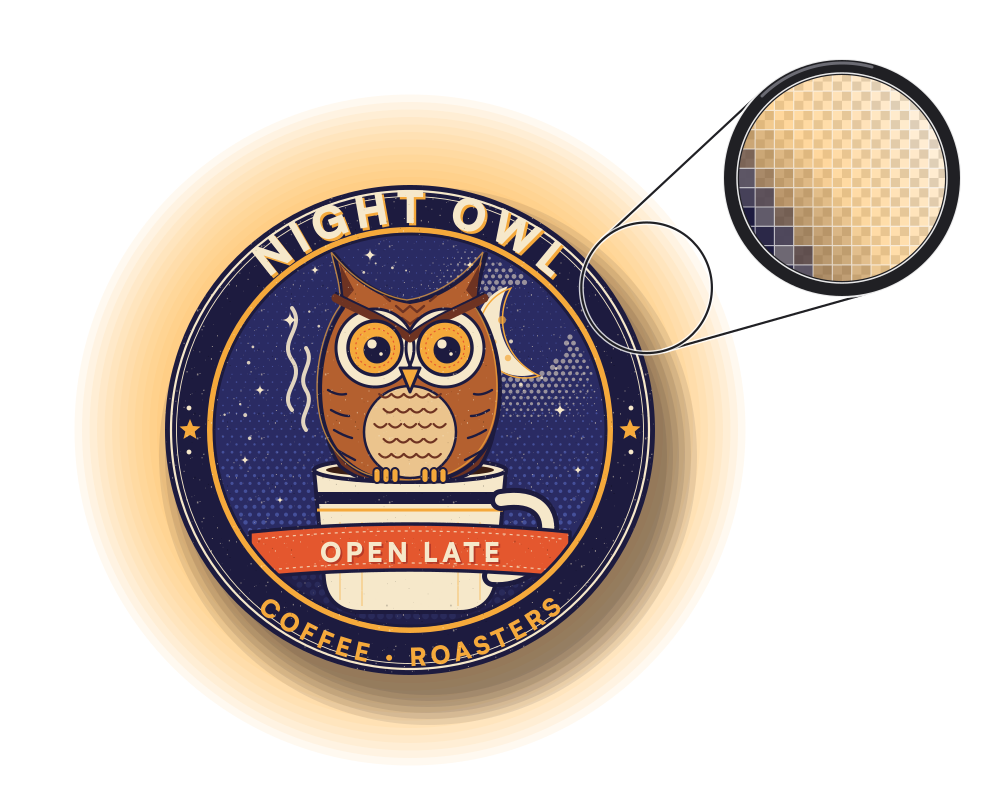
ForT-shirt or textile (DTF)
Semi-transparent pixels
A soft glow and shadow around the design. DTF prints them as white specks.
Seven print methods, one check that knows them.
Each page shows what that method gets wrong most often, and the click that fixes it.
- DTFCheck, fix and put your DTF files on a gang sheet.
 Background removed
 - UV DTFClean cut-outs, sticker outlines and sheets for UV DTF.
 Sticker outline added
 - Screen printingVectorize logos for free and catch lines that are too thin.
 Details that may fill in
 - SublimationCheck designs at print size and enlarge what is too small.
 300 dpi at your print size
 - Textile printingA stricter check for shirts, hoodies and sweaters.
 Printable version made
 - Large format and signageCheck files at their real size, up to 2,000 mm per side.
 300 dpi at your print size
 - Packaging and labelsCheck bleed, colour and small text on your PDF.
 Small details found
And the people behind the press.
Whether you run the machines, send the files or need one thing printed right.