
Print-ready files for DTF
From customer upload to film: check, fix and build a gang sheet in one product. Our own print company, DTF.NL, runs its production on Endorr.
- Left chest
- Full front
- Large back
T-shirt or textile · Full front, 28 cm
A transfer prints everything that isn’t transparent, including the background.
Everything DTF needs, fixed in the file.
Checking is free. You only pay tokens for a fix you apply.
A soft glow and shadow around the design. DTF prints them as white specks.
Your DTF workflow, in one product.
- Make a file print-readyFree check of resolution, transparency, lines, CMYK and bleed.

- Remove a backgroundCut out for DTF, without semi-transparent edges.
- Upscale an imageEnlarge a logo or image up to 8× towards 300 dpi.
- Gang sheet builderIn your own store, €79 a month excl. VAT (€95.59 incl.), no commission.
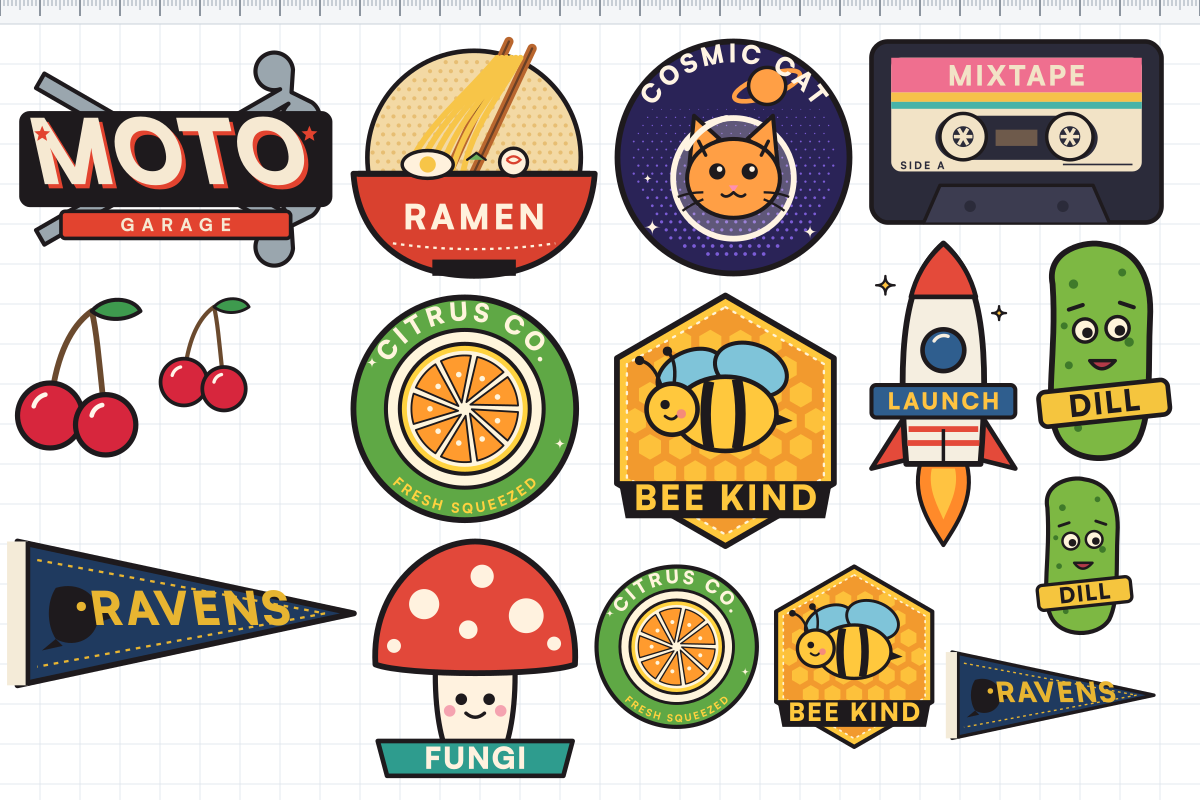
- Make a mockupFree, at real print size, no watermark.
Built where DTF gets printed
Our own print company, DTF.NL, runs its production on Endorr.
The same check, fixes and gang sheet builder you see on this page.
Questions
Why does my DTF print have white halos or specks?
Usually because of semi-transparent pixels or a soft shadow around the design. DTF can't print semi-transparency. Endorr's check finds those pixels, and one fix turns them into a printable version.
What resolution do I need for DTF?
300 dpi at the size you print is recommended. Enter your print size and Endorr shows whether your file gets there.
How do I put designs on a gang sheet?
With the gang sheet builder in Endorr: upload your designs, choose your film width and let auto-layout fill the sheet. It exports a 300 dpi PNG.