
Deliver print-ready, every time
Whether you come from Canva, Illustrator or an AI tool: check your file at its real size, fix what's wrong and send it under your own name.
FixVectorizeExport
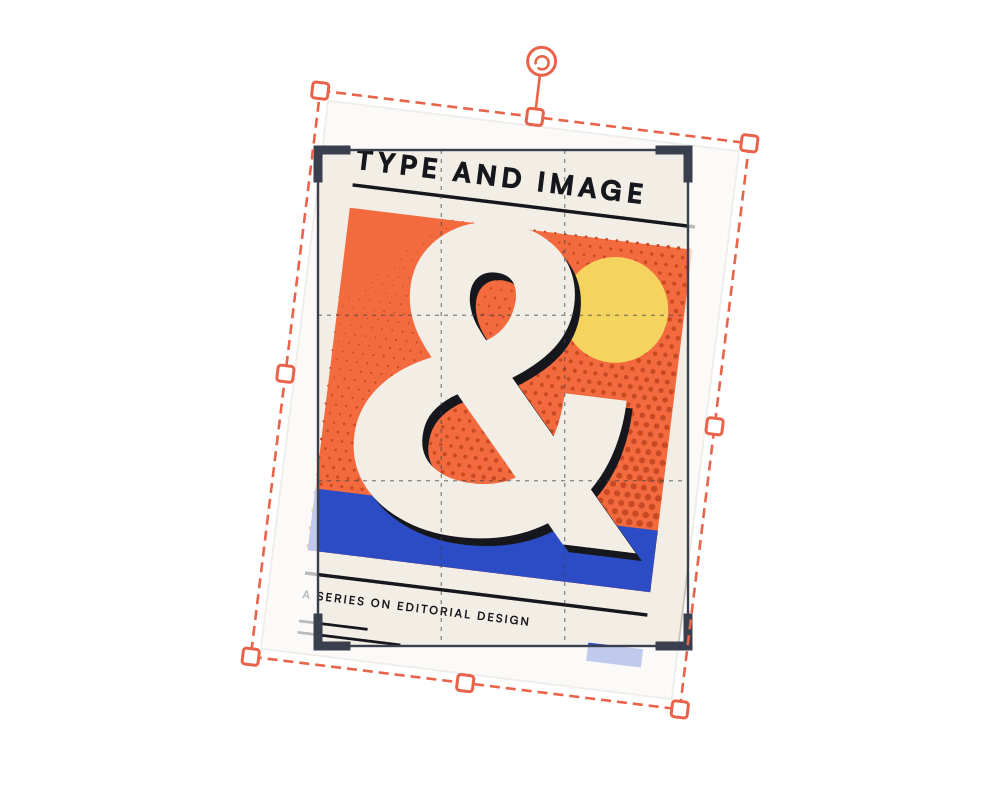
CropDrag the frame or its handles. Shift keeps the ratio.Apply crop
Deliver print-ready, every time.
Checking is free. You only pay tokens for a fix you apply.
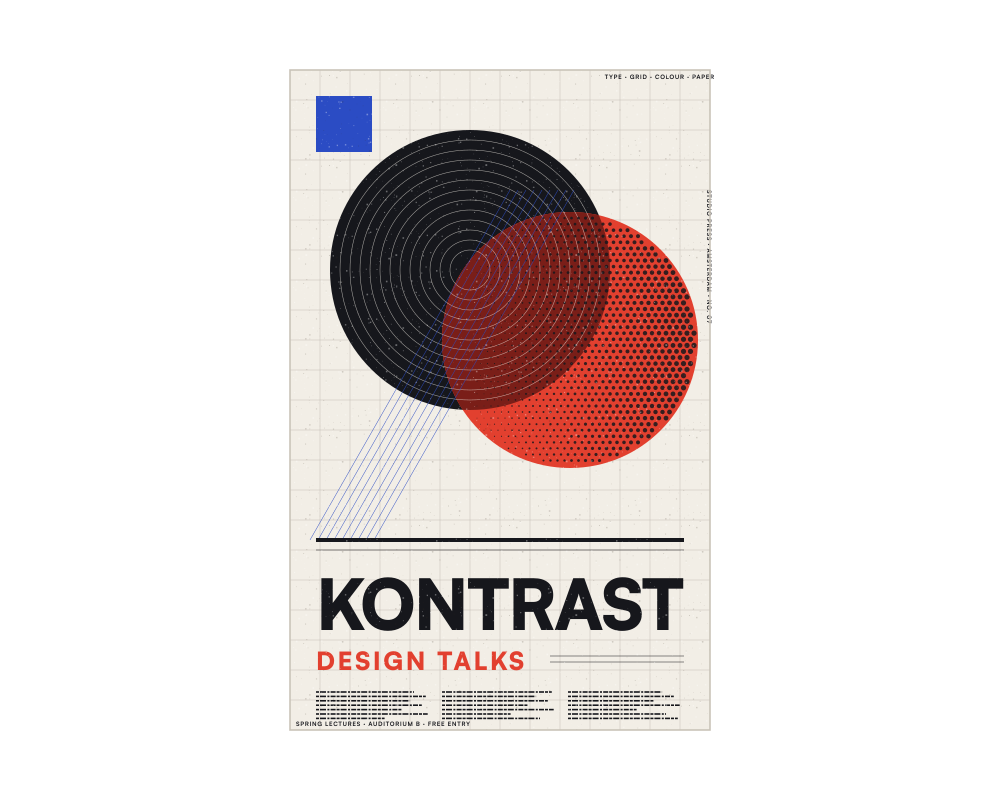
ForPaper print
Details to check
Fine lines and small type close to the edge.
Your delivery workflow, in one product.
Questions
Can I make a Canva export print-ready?
Yes. Upload the PDF or PNG from Canva and enter your print size. Endorr shows what's missing, such as bleed or CMYK, and the print PDF export can add it.
Which files doesn't Endorr open?
PSD, AI, EPS, SVG and HEIC. Export them from your design app as PDF or PNG first.
Can I send files under my own brand?
Yes. From Studio (€14.95 a month excl. VAT, €18.09 incl. VAT), Endorr Transfer sends under your own logo and domain.