
Print-ready files for packaging and labels
On a label, small text is the first thing to go. Endorr checks your PDF for bleed, colour and detail, and exports it ready for press.
42 × 59.4 cm at 96 dpi
FixVectorizeExport
ForPaper print
- A4
- A3
- A2 poster
- 50 × 70
Checking your file…
2 issues to fix
Lines too thin to print
Some strokes are under 0.25 mm and may break up.
Thicken thin linesResolution too low
96 dpi at 42 cm. 300 dpi is recommended.
Increase resolutionFix 2 issues
Fix 1 of 2 · Thicken thin linesFix 2 of 2 · Increase resolution
Labels and boxes that print sharp.
Checking is free. You only pay tokens for a fix you apply.
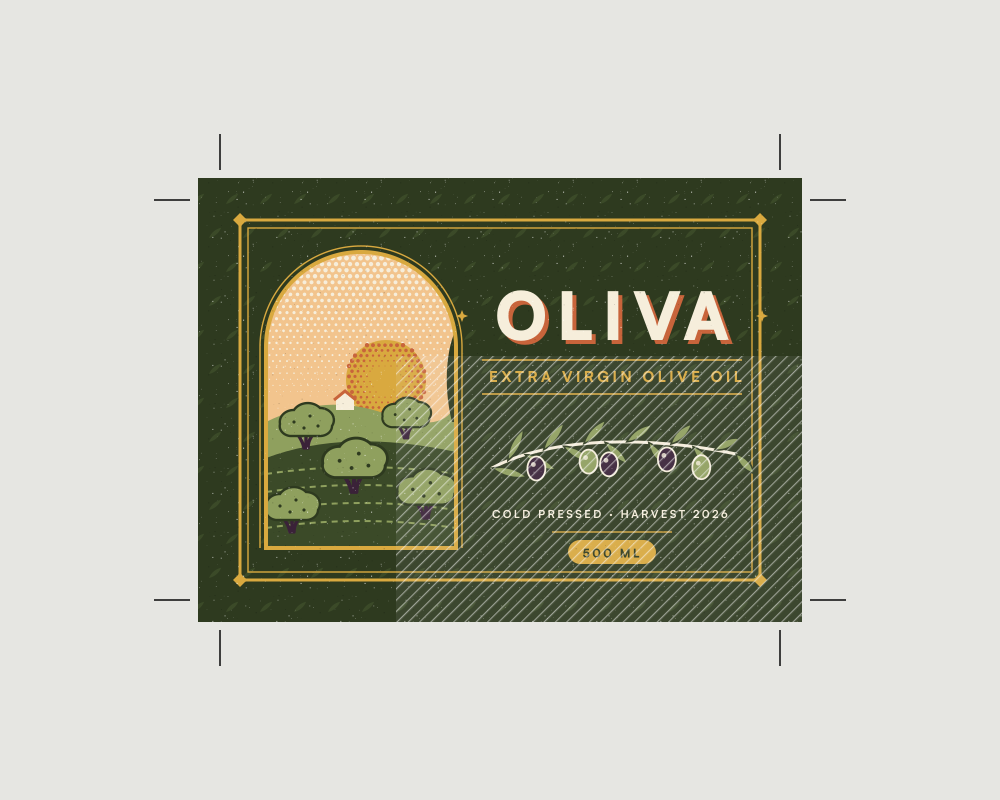
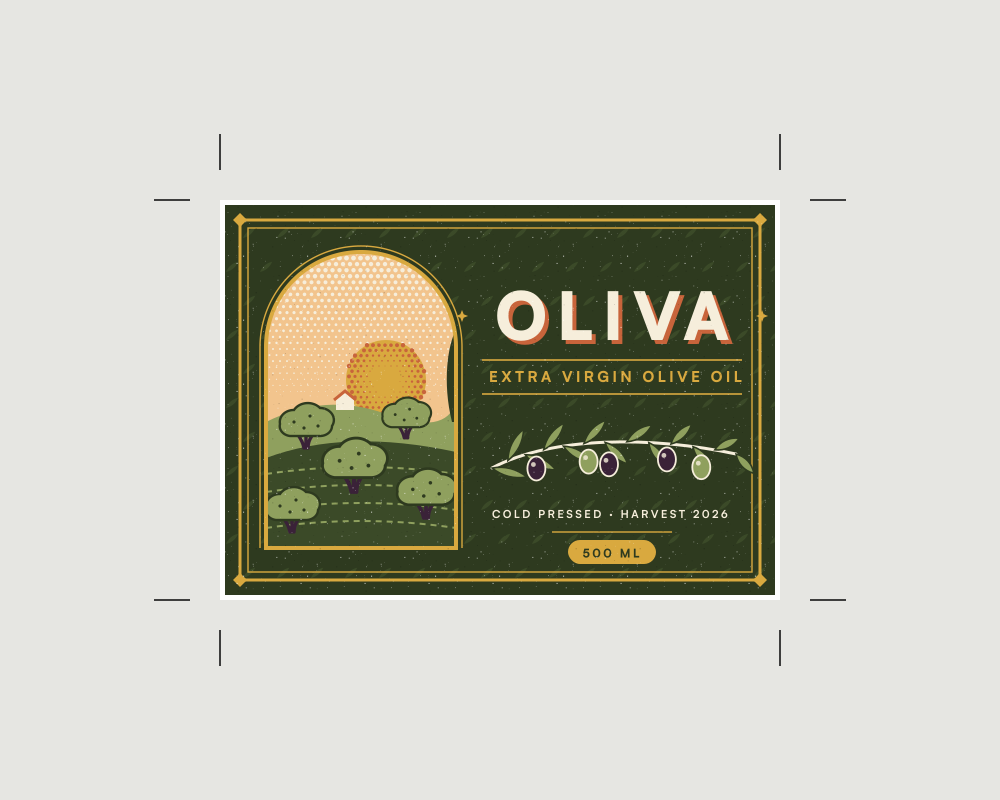
ForLabel or packaging
Bleed added
The artwork now runs past the trim.
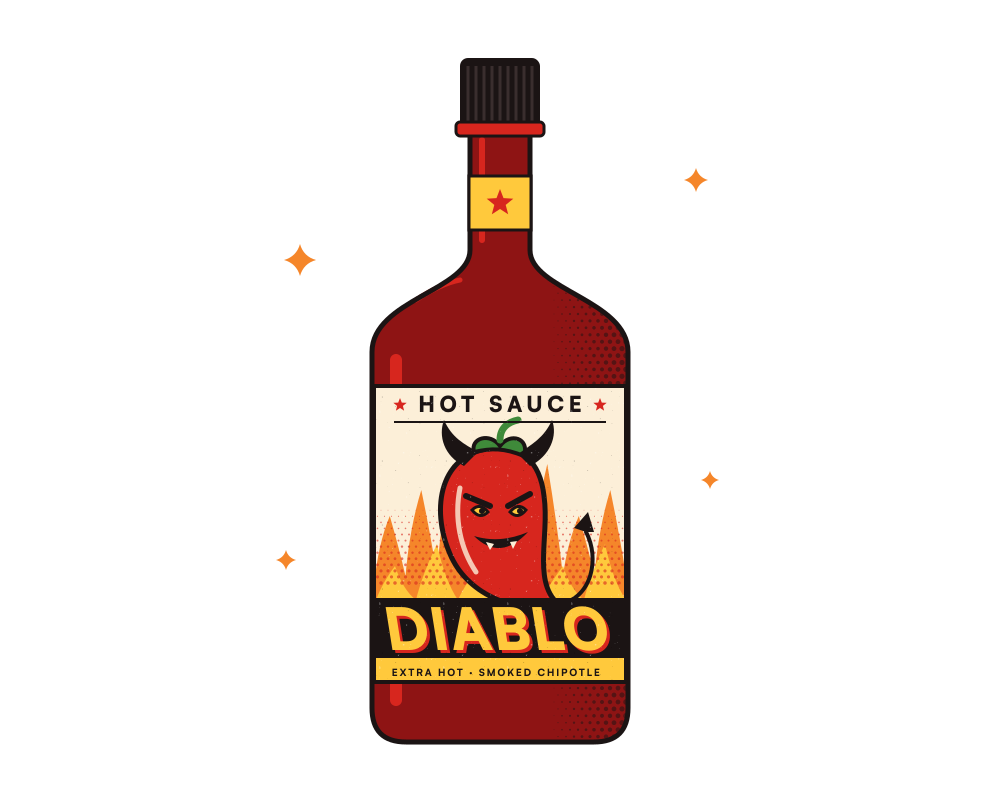
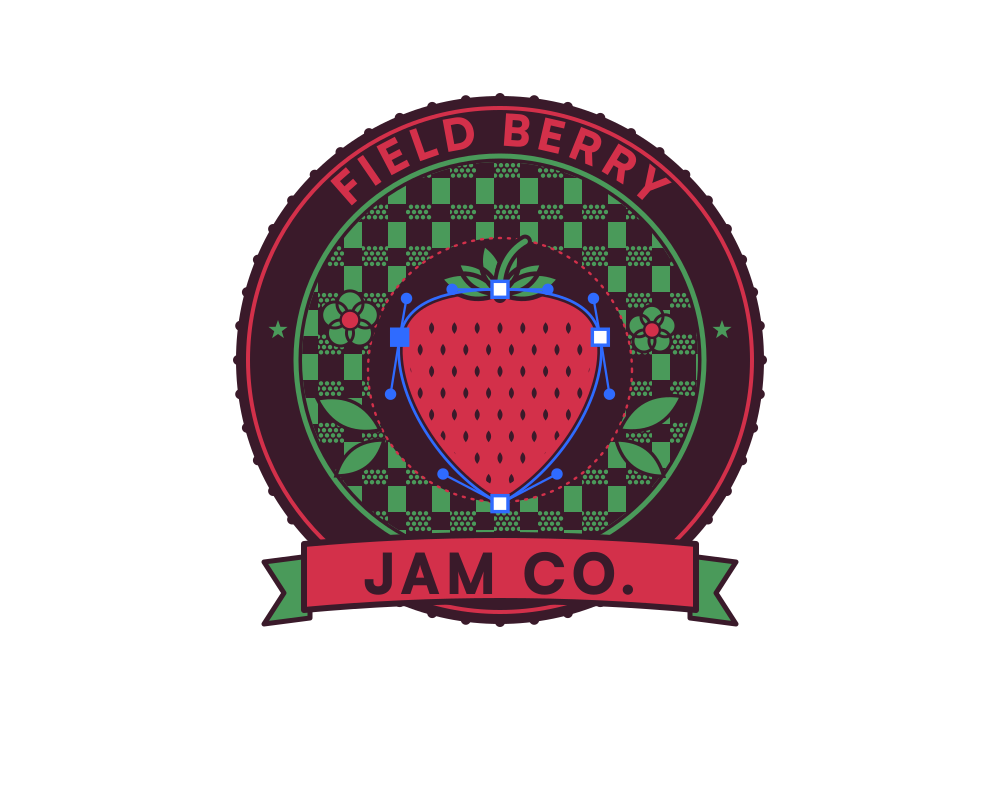
Your packaging workflow, in one product.
Questions
Does my PDF stay vector?
Yes. For a PDF upload, Endorr edits the PDF's own pages, so vectors and text stay sharp and every page is kept.
Does Endorr add crop marks or a die line?
No. Endorr adds bleed, but not crop marks, registration marks or die lines.
What if fonts are missing?
Endorr can't embed missing fonts, but it reports them. Embed them in your design app and upload again.