
File rejected? Here's how to make it print-ready
Resolution too low, no transparent background, no bleed: upload your file, enter how big you want to print and see right away what needs to happen.
42 × 59.4 cm at 96 dpi
FixVectorizeExport
ForPaper print
- A4
- A3
- A2 poster
- 50 × 70
Checking your file…
2 issues to fix
Lines too thin to print
Some strokes are under 0.25 mm and may break up.
Thicken thin linesResolution too low
96 dpi at 42 cm. 300 dpi is recommended.
Increase resolutionFix 2 issues
Fix 1 of 2 · Thicken thin linesFix 2 of 2 · Increase resolution
From rejected to print-ready.
Checking is free. You only pay tokens for a fix you apply.
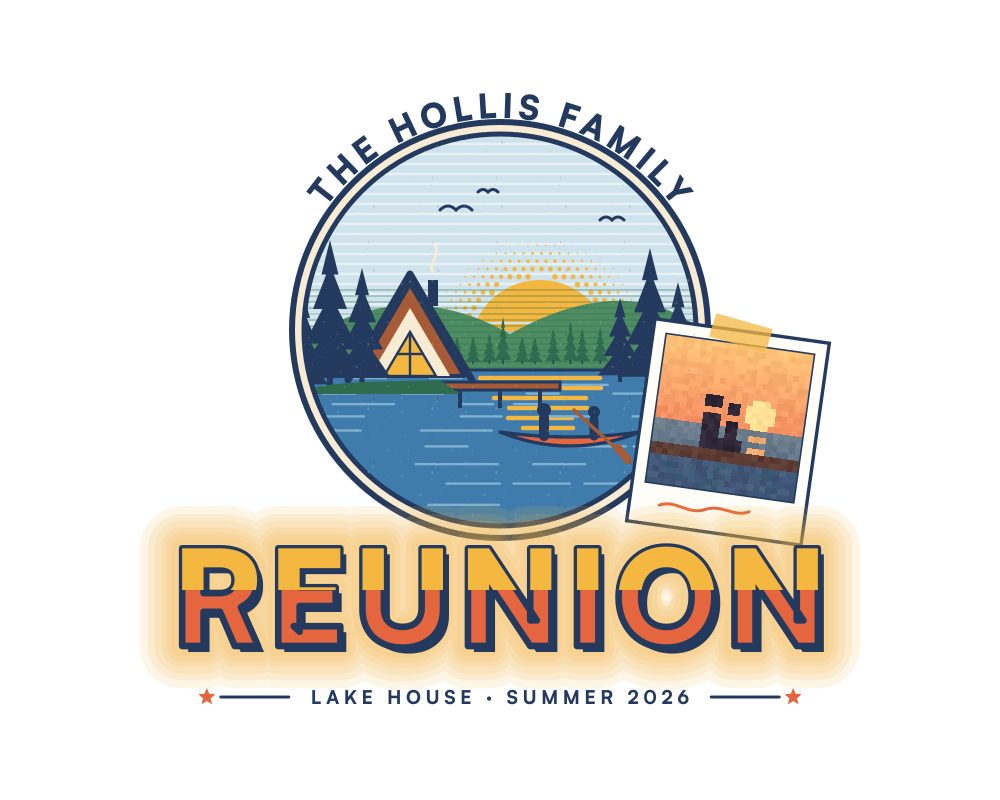
ForPaper print
2 issues found
A soft glow and a blurry photo. Here’s what helps.
Everything you need, in one place.



Questions
Why did my printer reject my file?
Usually the resolution is too low for the size, bleed is missing, or the design has a background that would print. The free check shows which one it is.
What will it cost me?
Checking is free. Studio Free gives you 49 tokens a month: enough for about 4 fixes or 2 upscales. Extra tokens start at €6.05 incl. VAT for 50.
Can I cancel a purchase?
Yes. As a consumer you have a 14-day right of withdrawal. Tokens you've already used are charged pro rata.