
Sharp designs for sublimation
With sublimation, every blurry edge shows up on the product. Check your design at its real size and enlarge it when needed.
FixVectorizeExport
ForPaper print
- A4
- A3
- 28 cm
1 issue to fix
Paper print · 28 cm
Paper print · 28 cm
Resolution too low
Increase resolution · 20 tokens142 dpi at 28 cm. 300 dpi is recommended.
Sharp all over, at the size you print.
Checking is free. You only pay tokens for a fix you apply.
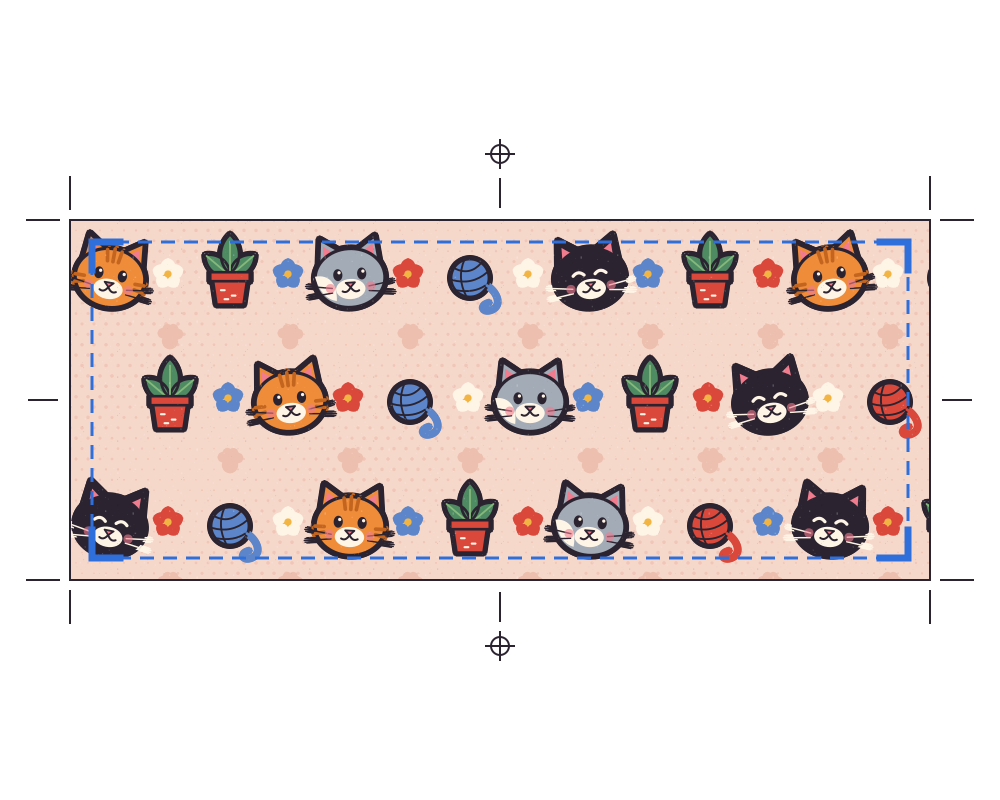
ForSublimation
Too small for this size
300 dpi is recommended at the size you print.
Your sublimation workflow, in one product.
Questions
What resolution do I need for sublimation?
300 dpi at the size you print is recommended. Endorr shows whether your file gets there and enlarges it if it's too small.
Can I use an AI image for sublimation?
Yes, but AI images are often too small for a large product. Check the file at your print size and upscale it if needed.
What does it cost?
Checking and the editing tools are free. An upscale costs 20 tokens, a fix 10. Studio Free gives you 49 tokens a month.