
Print-ready files for textiles
Choose textile as the purpose and Endorr checks more strictly: anything that won't print on a shirt is blocked before it costs you a reprint.
Drop files here or onto the product.
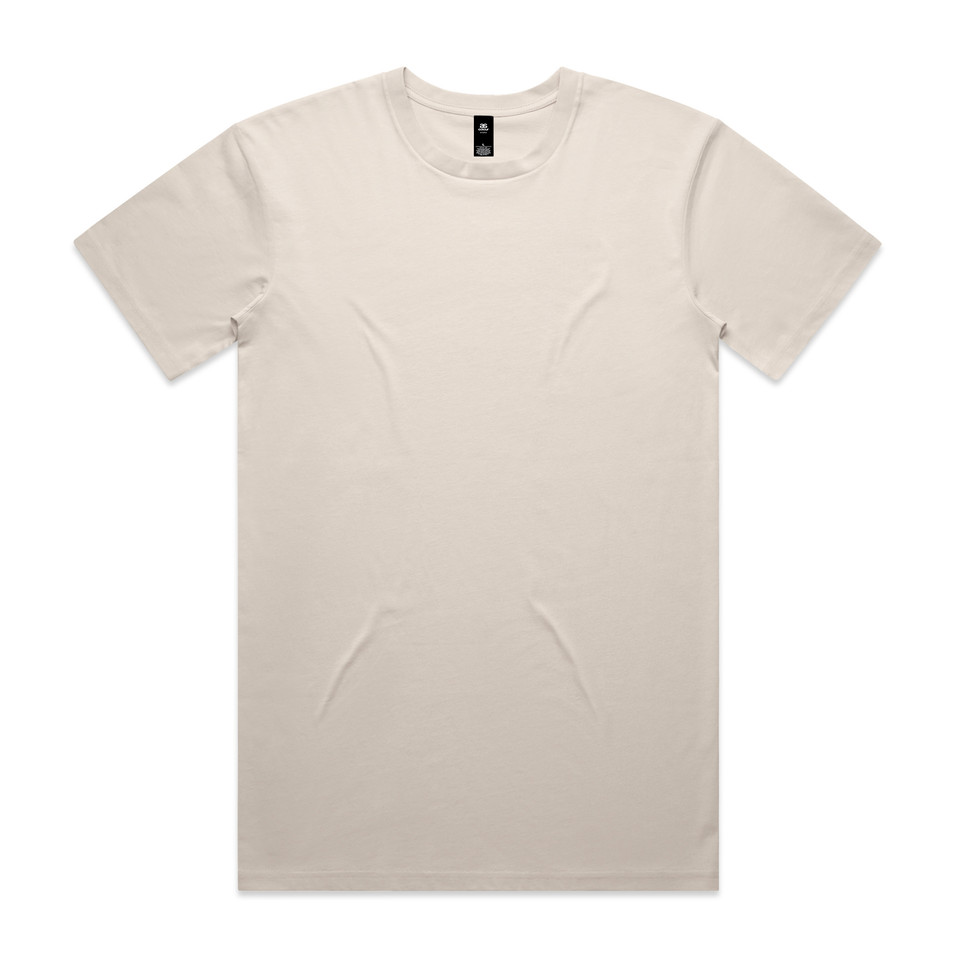
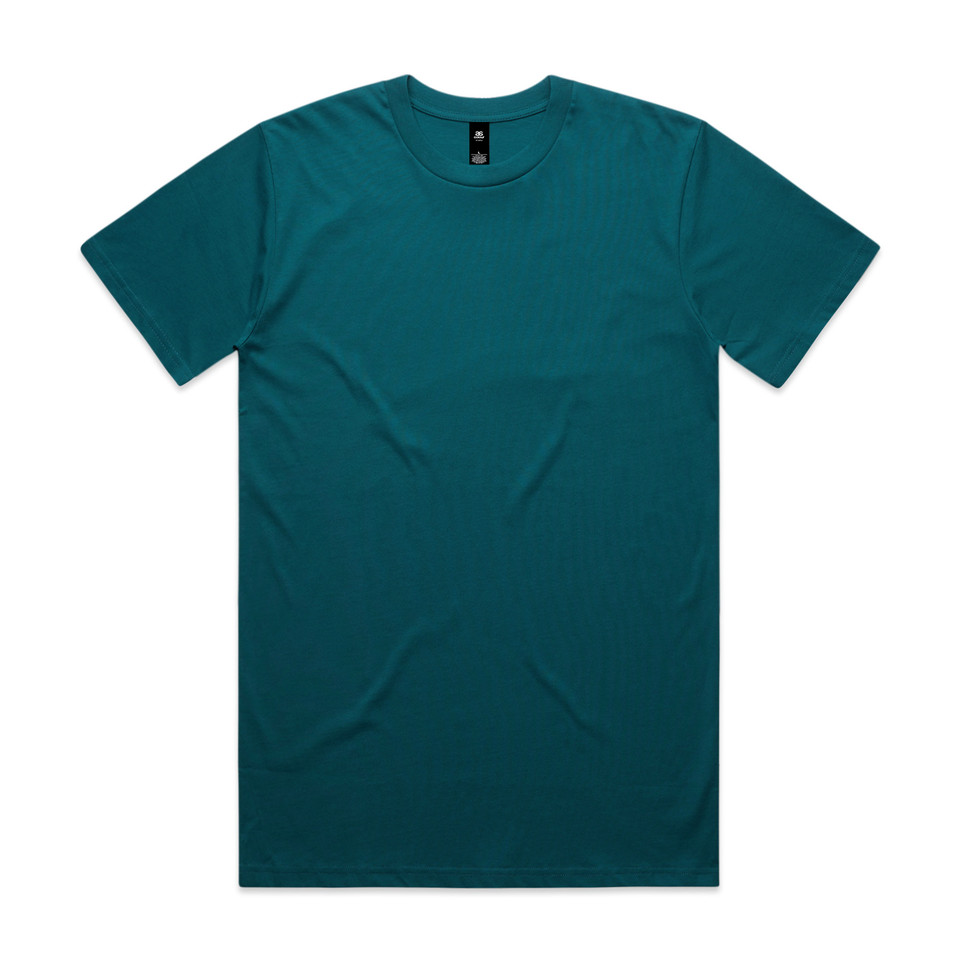
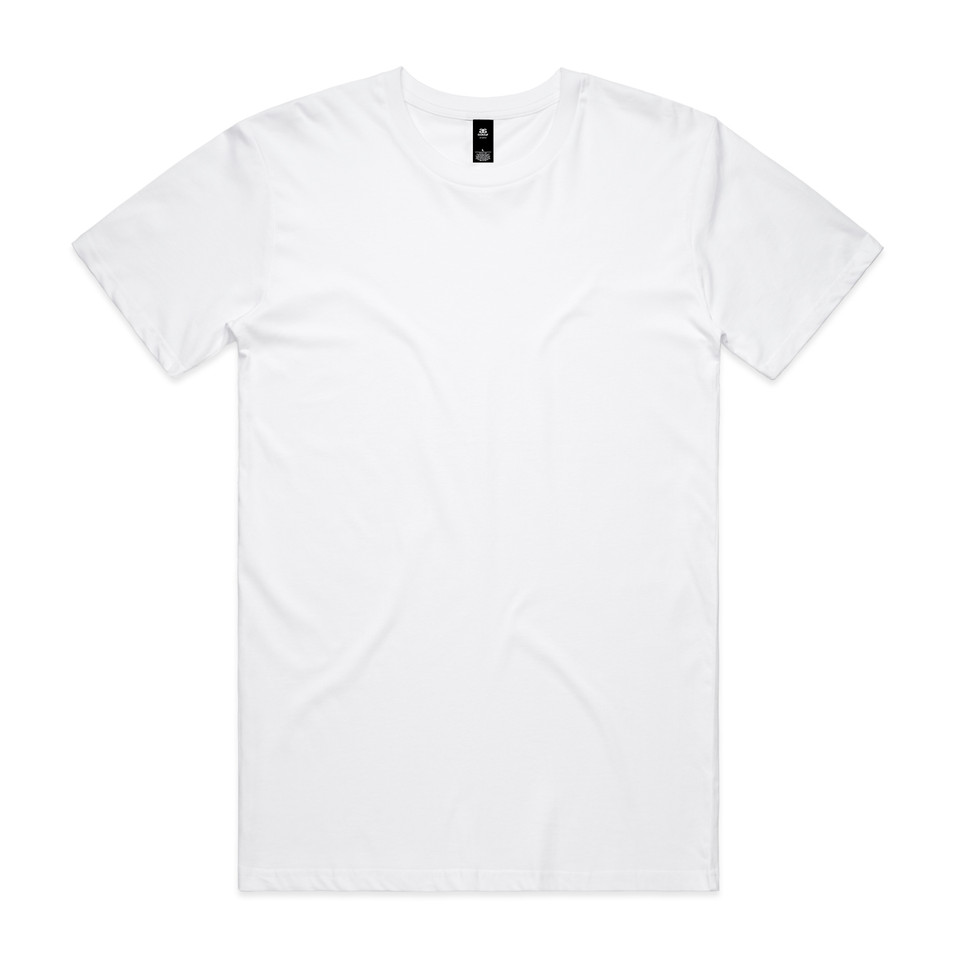
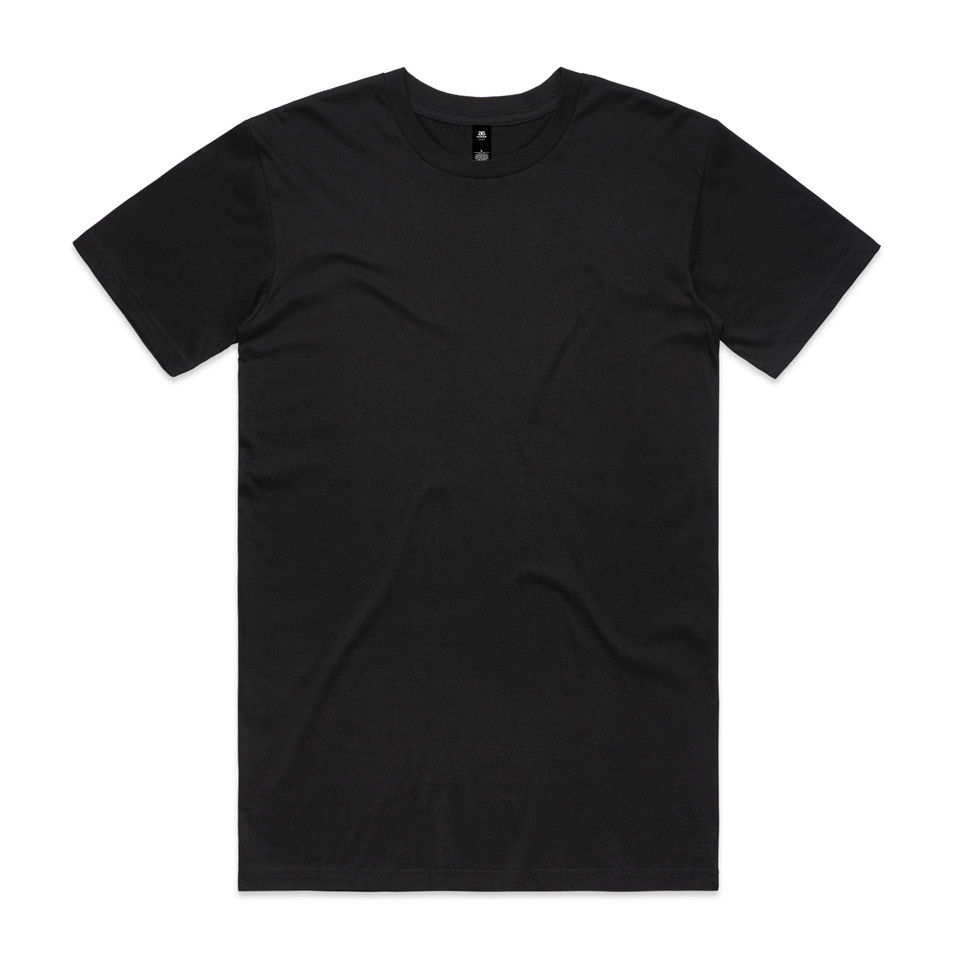
Sizes from the AS Colour size chart (52.1 cm chest, 74.9 cm length). The photo shows size L; other sizes scale the garment, not your artwork.
Used for downloads. The editor stage stays neutral.
Front · 2400 × 2400 PNG
Download mockup Saved on this deviceA check made for shirts, hoodies and sweaters.
Checking is free. You only pay tokens for a fix you apply.
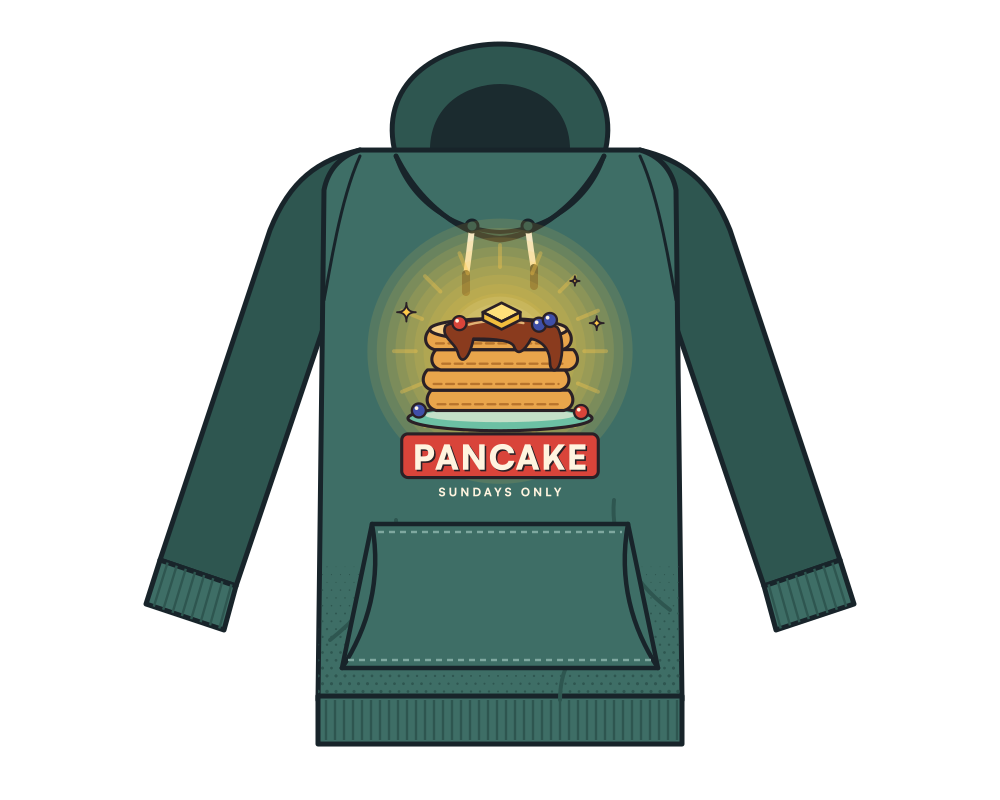
A semi-transparent glow on a garment print.
Your textile workflow, in one product.
- Make a file print-readyFree check of resolution, transparency, lines, CMYK and bleed.
- Remove a backgroundCut out for DTF, without semi-transparent edges.
- Make a mockupFree, at real print size, no watermark.

- Gang sheet builderIn your own store, €79 a month excl. VAT (€95.59 incl.), no commission.
- Vectorize an imageFree in your browser, sharp at any size.
Questions
What does ‘blocked’ mean for textiles?
That at least one finding will cause a print problem on fabric, such as semi-transparent areas. Endorr shows which fix helps.
Does Endorr work for DTG?
Endorr checks and fixes files for textiles in general: resolution at print size, transparency, thin lines and small text. Ask your printer for their own file requirements.
Can I show my client a preview?
Yes, with a free mockup at real print size. Note: a mockup is an illustration, not a colour proof.