Free T-shirt mockup generator
Put your design on 146 real T-shirts from AS Colour, Stanley/Stella and THClothes, in every colour they make. Place it anywhere on the front, back or sleeves, at the size it will really print, and download it free.
Start from a real t-shirt
Official brand photos. Pick one and it opens in the editor, ready for your artwork.
 Staple TeeAS Colour · 500175 colours · XS–5XL
 Creator 2.0Stanley/Stella · STTU16958 colours · XXS–5XL
LuandaTHClothes · THC-LUANDA42 colours · XS–2XL
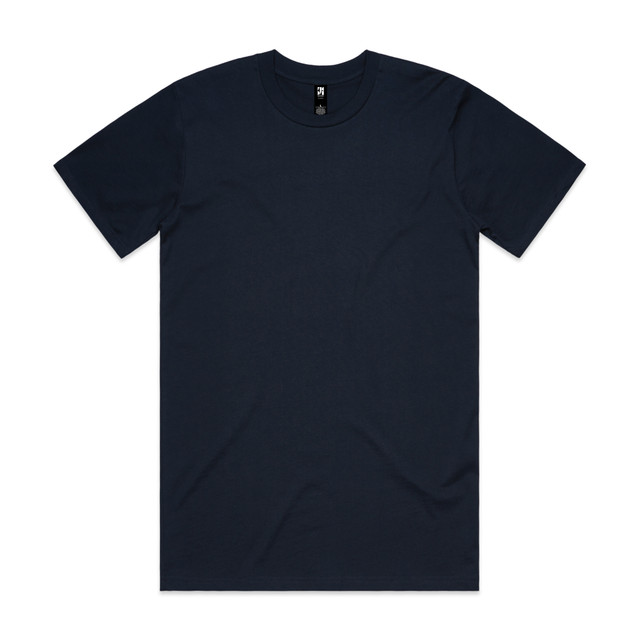 Classic TeeAS Colour · 502654 colours · S–5XL
 CrafterStanley/Stella · STTU17041 colours · XXS–5XL
SofiaTHClothes · THC-SOFIA38 colours · XS–2XL
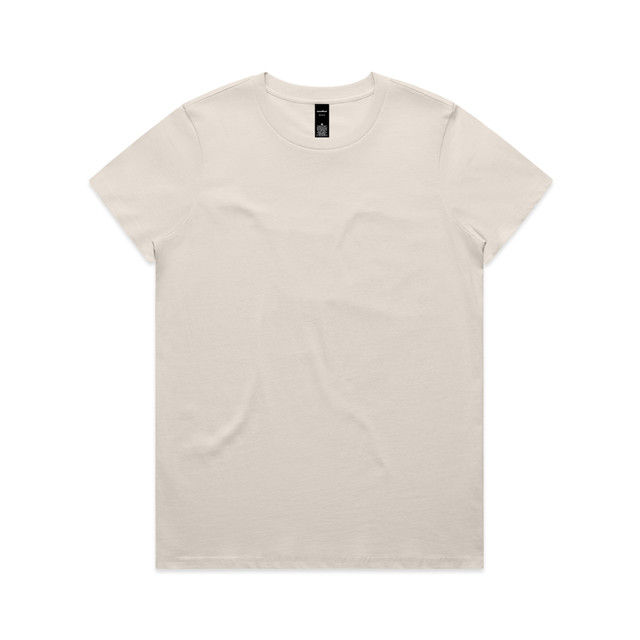 Wo's Maple TeeAS Colour · 400132 colours · XS–3XL
 Stella MuserStanley/Stella · STTW17237 colours · XS–3XL
146
real blanks to choose from
1,325
colourways, each its own photo
3
brands
Free
PNG and JPEG, no watermark
Front, back and both sleeves
Tees have four print areas: front, back, left sleeve and right sleeve. Start from a preset like left chest, centre chest or large front, or drop the design anywhere and move it freely. Arrow keys move it 1 mm, Shift and arrow 10 mm.
Sleeve prints sit on the sleeve itself, along its angle, so a small logo on the left sleeve looks the way it will on the shirt.
True to size, from the brand’s size chart
Each tee is calibrated to its brand’s size chart. Type a width of 28 cm and the print is 28 cm on a size L, next to the real chest width. Switch to an XS or a 3XL and the garment changes size, not your artwork, so you see how the same print looks on every size you sell.
Black, white and every colour in between
The 146 tees come in 1,325 colourways, each its own product photo. A black T-shirt mockup or a white one is one click, and so is the same design on bone, navy or sage.
Other mockups


Questions
Is the T-shirt mockup generator free?
Standard PNG and JPEG downloads up to 2400 px are free, without watermark and without an account. High resolution (4096 px) uses tokens.
Can I make a front and back T-shirt mockup?
Yes. Add artwork to the front and the back of the same tee and download each view, or both, from one project.
Can I use the T-shirt mockups commercially?
Yes. Use the mockups you download in your shop, on marketplace listings, in ads and in proposals to clients. A mockup is an illustration, not a colour proof.
Can I send the mockup to a customer?
Yes. In the editor, open Download and choose Share with Endorr Transfer to get a link or email it. Free, no account, and the link stays up for 3 days.